DooFlix APK Download
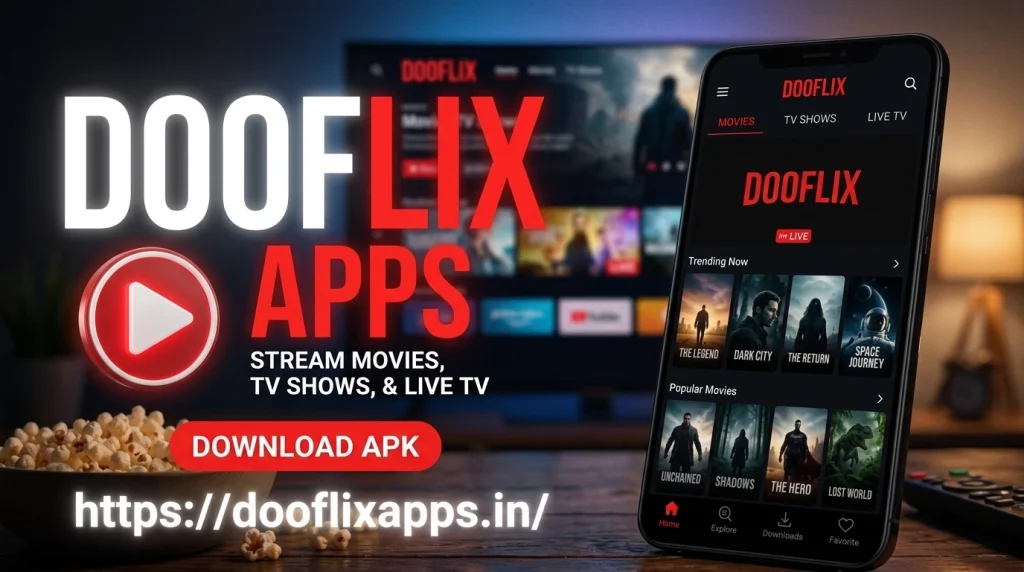
Explore movies, TV shows and entertainment in one place. Discover your next favourite title with the DooFlix experience.
Download APK Get the Android version ›
Movies · TV Shows · Trending Titles


Movie Discovery
Explore movies and entertainment titles.
TV Shows
Discover series and popular shows.
Easy Discovery
Find titles across different genres.
Mobile Friendly
Enjoy a responsive mobile layout.
Dooflix
Dooflix is a popular entertainment streaming application that is designed for Android users. This app provides users with Hollywood, Bollywood, web series, and live sports matches without any paid subscription. Its main advantage is that it is completely free and its interface is simple. Moreover, you get options for dual audio tracks and subtitles. The app provides free streaming and smooth buffering even on a slow internet connection.
You can directly download movies and shows to watch offline. Doorflix APK easily connects with Firestick and smart TVs. From small screens to large TVs, its navigation works quickly. But the app is not available on the official Google Play Store. It is always downloaded from a trusted and safe website in the form of an APK file. So your device will be safe from malware and viruses. For entertainment lovers, this app is the best and hassle-free option.
What is dooflix APK?
Dooflix APK is a popular Android package file that is made for video streaming users. This app provides users with live sports streaming, Bollywood movies, and trending web series. The best thing about this app is its multi-server network. If one server is down, then the video automatically switches to another server. Furthermore, the app has an adaptive bitrate player that balances the video quality according to the user’s internet speed.
Apart from this, you get smart swipe gestures like screen brightness and volume control. You can also stream video on TV using built-in DLNA and Google Cast features. The app is the best choice for entertainment lovers due to its free access and advanced features. Are you also interested in watching Bollywood and Hollywood movies on your Android device? Then, it’s an ideal choice for you to stream content without any subscriptions.
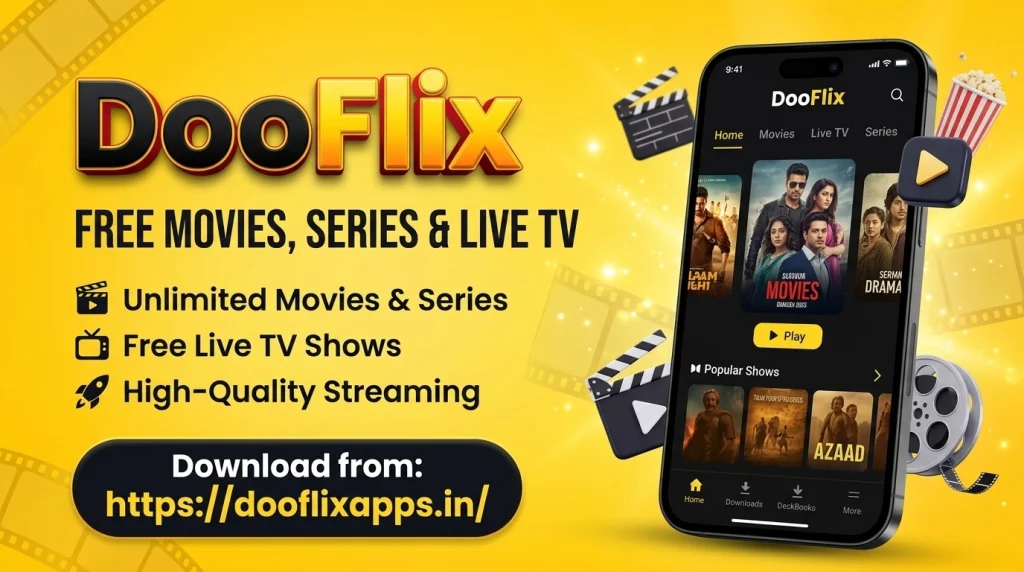
Features of Dooflix App
Multi-Server Streaming
Doflix APK does not have a single server. It has multiple servers. If one server is busy or down, then the app switches content automatically to an alternative server. So the video does not stop and runs smoothly without buffering.
External Player Support
Users can use the media player of their choice other than its own default player. The app easily integrates VLC player, MX player, and KM player. Due to this feature, users get advanced audio and playback control.
Built-in TV Calendar
Inside Doorflix, a dedicated TV schedule calendar is present. This calendar gives you exact release dates and times of your favorite episodes and sports matches. Hence, you do not miss your favorite content.
Custom Subtitles Styling
You not only see subtitles, but you can also customize them. You can change the font size, color, and background shadow of your choice. If subtitles are not in the exact position, you can also adjust the manual speed delay.
D-Pad Native Navigation
A special D-Pad interface is designed for smart TV and Firestick remote controls. It is very easy to browse the menu and options with the help of a remote arrow button. Hence, app control is smooth on the TV screen.
Real-Debrid Integration
Doflex supports premium Debrid accounts. When you connect this feature, you get high-speed, unrestricted streaming links. 4 K to Ultra HD videos load on fast speed without buffering issues.
Low Memory Footprint
This app is very lightweight and does not put much load on RAM. The app also works smoothly on Old or low-storage Android devices.
Smart Category Filters
In Doflix, you not only get basic search but also advanced filters. You can filter movies according to IMDb rating, release year, director, and specific genre. This feature saves you time and quickly finds your favorite content.
Detailed Content Metadata
Complete details are available for every movie and show. You get IMDb rating, cast details, plot summary, and official trailer in one click. So you know all the details about the show or movie you are watching.
Zero Registration System
To use Doo Flix, you do not have to create an account or sign up with an email. Also, there is no need for any kind of personal information or email address. Install the app and get complete access to your favorite content.
Aspect Ratio Adjustment
During watching videos, you can select the app screen size according to your choice. Here, you get options for main fit, stretch, zoom, and original 16:9. Due to this feature, the display easily fits on any mobile size or on a TV screen.
Auto Episode Tracker
If you are watching any series, then the Dooflix.apk app saves your last watch point. Next time you open the app, you can easily resume or auto-track the new episode.
Low Permission Usage
Apps do not want useless permissions due to security risks. They also do not need access to your contacts, location, or SMS. This only works on basic storage and internal access and makes it safe to use.
Multi-Threaded Downloads
During offline saving, Doflix APK uses High-Speed downloading technology. Files download quickly. You can directly save your favorite content into the phone’s memory or also on the SD card.
Why is the Dooflix Website so popular among entertainment enthusiasts?
Are you looking for the main reasons that make the app popular? Here, not only one reason that makes the Dooflix website popular. In the application, many useful features are available that make it a convenient option. Users can easily search for content in different genres and categories. Here, a huge collection of content categories is available for entertainment enthusiasts.
Thus, they can easily explore and watch the content of their choice. Bollywood, Hollywood, Punjabi, English, Tamil, Telugu, Kannada, Hindi, and other regional content is available. Users can enjoy content in Urdu, English, Hindi, Punjabi, Tamil, Telugu, Kannada, Bengali, and other languages. The simple and well-organized layout also makes it popular among entertainment enthusiasts.
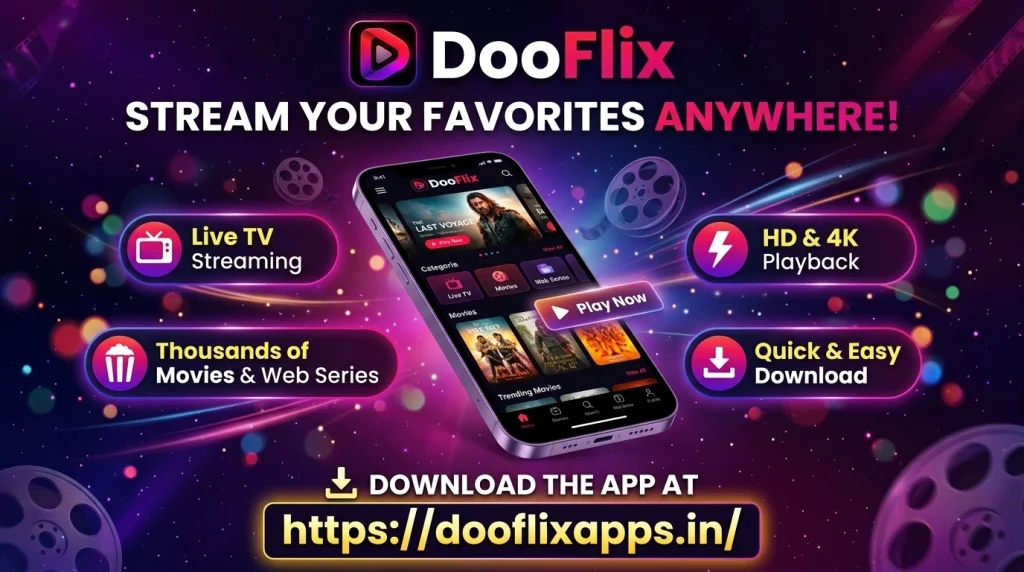
What is Dooflix Mod APK?
Dooflix Mod APK is an advanced and premium version that’s developed by third-party developers. In the modified version, users can enjoy all their favorite content without any hassle. The mod version is more useful and convenient for entertainment enthusiasts. Here, ads are completely blocked so that users can enjoy seamless entertainment.
On the other hand, with a mod APK, some risks are available that’s not safe for your device. Users can face malware and virus risks that can damage their device security. Moreover, data leakage and app crash issues are possible. Thus, avoid using the mod APK from unknown sources.
Available Content Categories in Dooflix Application
Content Categories make the app popular among users. Therefore, users want an app that contains content from multiple categories. Here, users have all their favorite entertainment titles. From old classic movies to the latest Bollywood blockbusters are available on the Dooflix Application. Users can enjoy all Bollywood and Hollywood movies and shows without any trouble. Another interesting aspect is that users can enjoy regional content in their local language. Thus, enjoy Hindi dramas, Bollywood and Hollywood movies, and TV shows from different regions.
How to download Dooflix APK on Android devices?
Dooflix APK download on Android from that page. Users who want to stream Bollywood and Hollywood entertainment titles on their Android devices can use it. Thus, save the installation file from secure sources. Its official streaming app is not available for Android devices. However, they have alternative choices. Thus, use the APK version on Android to access premium features without payment. Here, on that page, the download button is available to save the setup file with one click. Moreover, users who have older phones can use the older version.
How to install Dooflix on Android devices?
Do you have an installation file? Then, you can start the installation process in a few steps. Here, guidance is available.
Save APK File
Open the browser on your phone and search for that page to save the Android package file for Dooflix Download. You can save the file on your device with one click.
Allow Permissions
It’s important to enable the security permissions on your device in your device’s security or privacy settings. Without allowing unknown sources, you can’t install the APK file.
Start Installation
Now, open your saved APK file and tap on the install button. Start the installation process in one tap. The process may take a few seconds to complete.
Open App
When the process finishes, you can open and use the app on your device. The setup is easy. You don’t need to follow a complicated process.
Can I use Dooflix on PC?
The question that comes to many users’ minds is whether they can use the app on their PC. The answer is simple, but the process is not simple. Users need to follow some extra steps. Firstly, download DoFlix and install an Android emulator. Now, launch the emulator and start the installation process for PC. Save an installation file from secure sources and tap on the download button. In a few seconds, the file will be available in your PC browser. Now, tap on the install option that’s available in the emulator. In a few seconds, the process will start. Now, you can use the app on PC.
Common problems and their solutions
App Crash or Auto Back
Problem: mobile RAM is completely filled or corruption in app cache memory.
Solution: Go to Settings, then Apps, and then go to Dooflix. Click on Clear cache and Clear data. Then restart the phone and open the app.
Verification: Now the app opens smoothly and does not crash.
Video Buffering or Black Screen Problem
Problem: A specific server is down, or the internet connection is slow.
Solution: When playing video, change the server in Server Options (from Server 1 to Server 3). If the problem is not solved, then connect to a VPN.
Verification: Video plays in HD quality without buffering issues.
Server Connection Error/Network Timeout
Problem: Server blocked by the ISP (internet provider)
Solution: Download any free VPN from the Play Store, connect to it, and open the Dooflix app.
Verification: Network error solved and content started loading.
Pros and cons of Dooflix
Pros
Cons
Conclusion
Dooflix APK app is a multi-functional streaming app that provides free entertainment without putting a burden on your pocket. Its premium features like multi-server support, external media player integration, D-Pad TV navigation, and 4 K quality content make this app different from all other streaming apps. There is no need to register an account, and this is the plus point of this app. If you want to watch online movies, web series, and live sports, then this app is the best choice for you. Only download the app from a trusted source so your device is completely secure.